Node.js Installation Guide
Claude Code, Gemini CLI, Codex CLI, and several other developer tools require Node.js. Complete this setup before installing those tools.Windows#
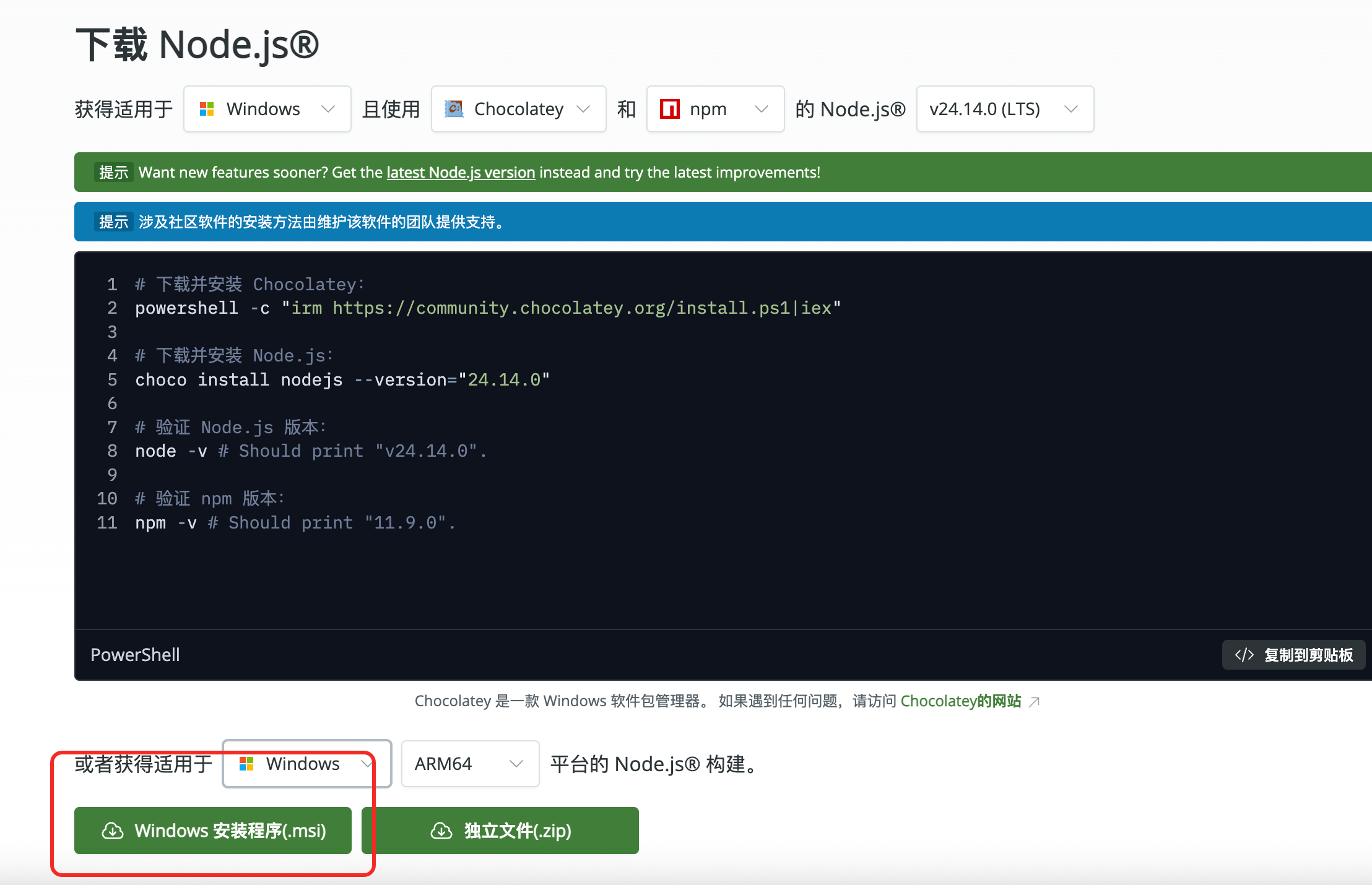
Option A: official installer (recommended)#
2.
Download the current LTS installer for Windows.
3.
Run the installer and keep the default options unless your environment requires otherwise.
Option B: Chocolatey#
Option C: Scoop#
macOS#
Option A: Homebrew#
Option B: official installer#
Linux#
Use your distribution's package manager or a Node.js version manager. The following NodeSource commands are common examples.Review third-party installation scripts before running them in a production or managed environment.
Verify the installation#
Open a new terminal and run:The installation is successful when both commands print a version number.Optional: use the npmmirror registry#
If npm downloads are slow or time out from your network, you can switch to the mainland China mirror:To restore the official npm registry later: 
Join AnyRoute WeChat Group
To get support for AnyRoute

 scan QR code
Modified at 2026-07-24 19:02:03